Stack Exchange Data Explorer (SEDE) is a free website for running SQL queries against a copy of the data behind every Stack Exchange site, Stack Overflow and Database Administrators included. Pick a site, write a T-SQL query in the browser and see the results, with nothing to download or install. As a DBA, I’ve found it an invaluable tool: essentially a web-based SQL playground with real data in it.
Why I Like SEDE
No setup required: it’s entirely web-based.
Pre-built queries: use existing queries on topics like user activity, Q&A stats, and tag trends.
Easy sharing: every saved query has its own link, so you can share queries and results with others.
The interface is smooth and intuitive. Each Stack Exchange site has its own database, and you can browse queries others have created or write your own. The data is a copy, not the live site, refreshed weekly, so a question asked today won’t show up until after the next refresh.
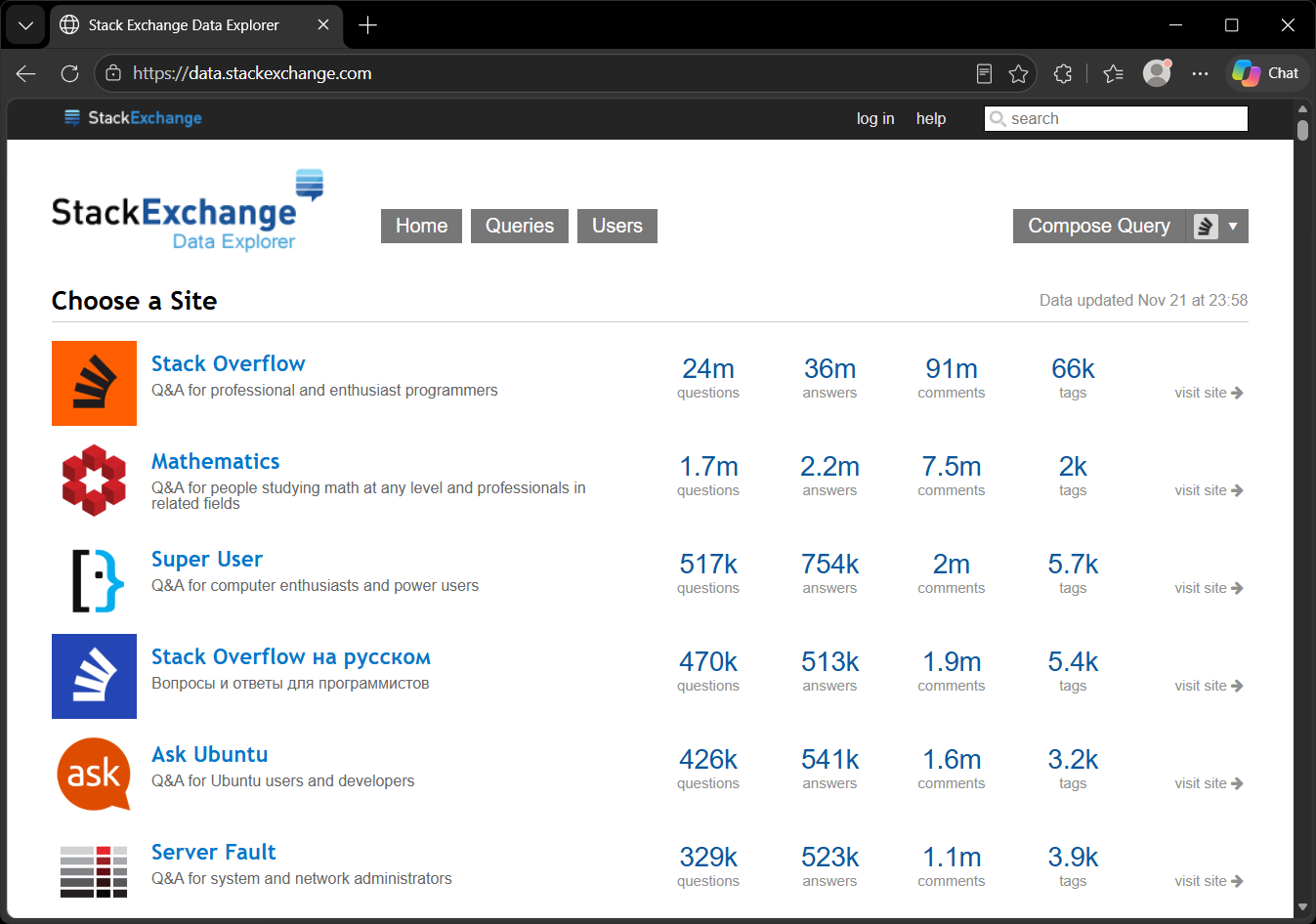
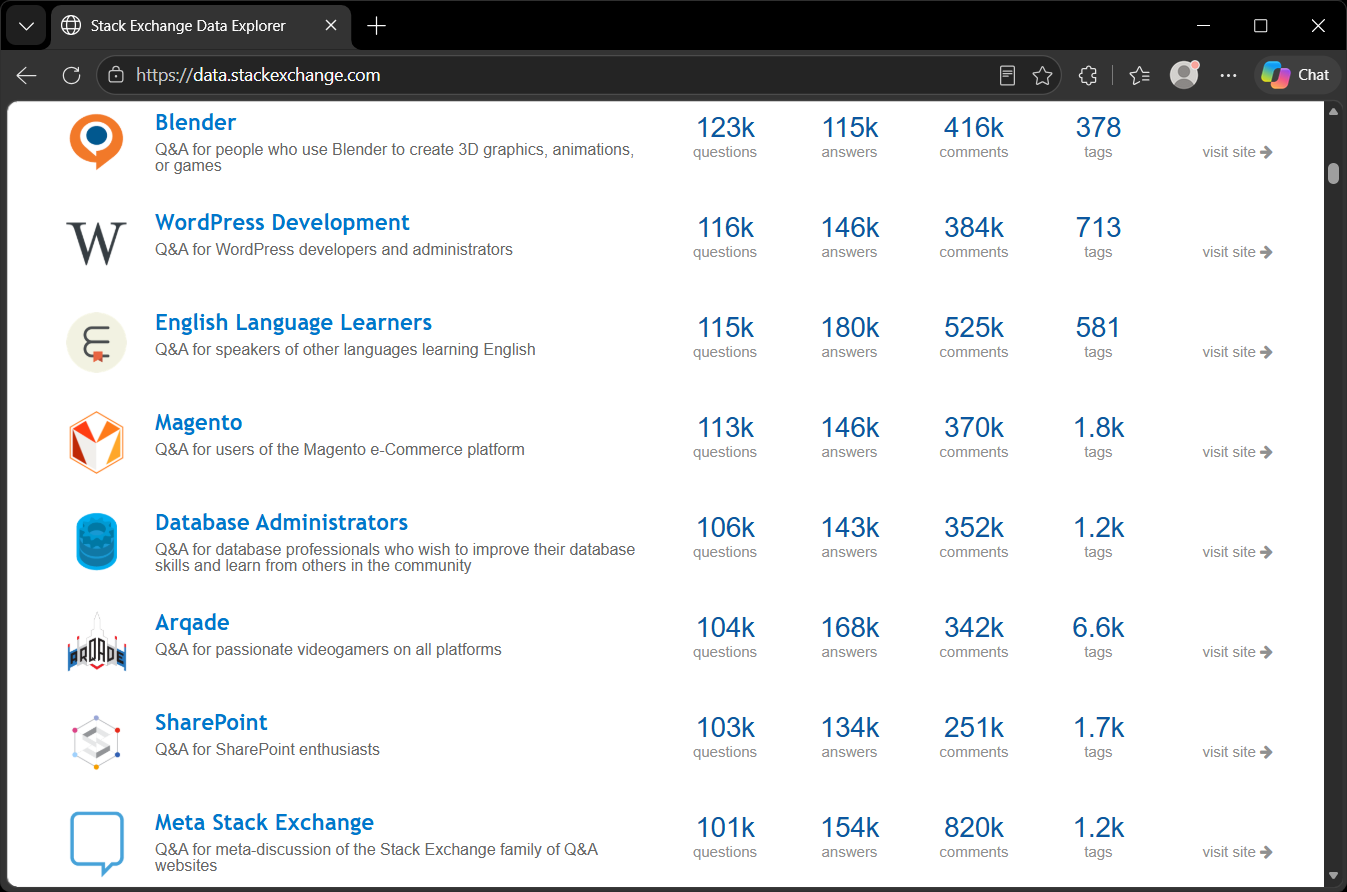
The home page lists every site with its question, answer, comment and tag counts, and the date of the last refresh. Stack Overflow is first with 24 million questions. Database Administrators, the site I spend most time on, is further down the list with about 106,000:
A neat feature I discovered by accident: edit and run a query someone else wrote and SEDE saves it as a fork, your own copy linked back to the original, so you can build on existing work without changing theirs.
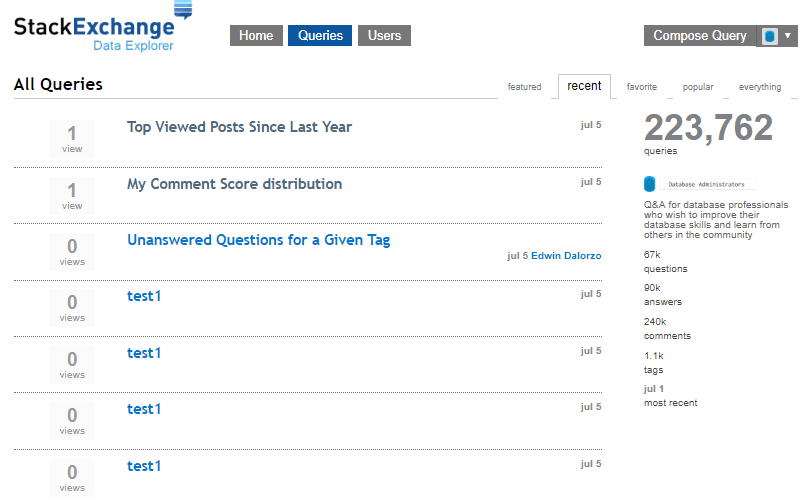
The top query above is my one. Here’s my example query that finds the top 10 most-viewed questions asked in the past year:
-- stack exchange data explorer, show top posts since last year
SELECT TOP 10 Title, ViewCount, Score, Tags, CommentCount
FROM Posts
WHERE CreationDate > DATEADD(year, -1, GETDATE())
ORDER BY ViewCount DESC
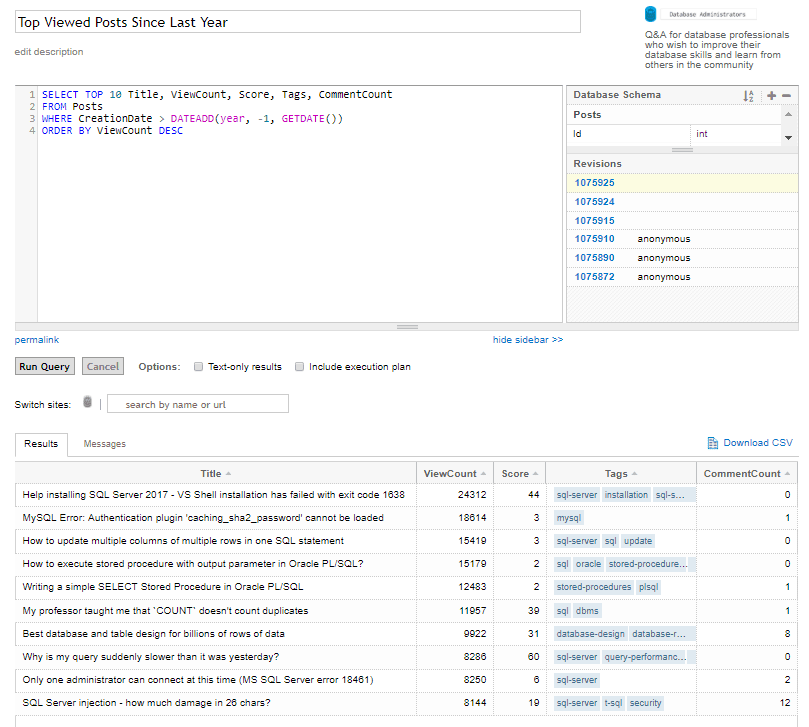
Answers have no title or view count of their own, so the results are all questions. ViewCount is the total views since each question was posted, which favours the older questions in the year. This result is from when I first wrote the post: re-running the query in November 2026 gave me an error, so the numbers will be different today.
This is a great way to see trending topics and practise your SQL. If you’re a DBA, data analyst, or just someone who enjoys working with data, SEDE is worth checking out. My SQL Server writing these days is on sqldba.blog.
Leave a Reply