
This post is a short note on how to install Postgres on Ubuntu 20.04.
I’m doing this in WSL, however this shouldn’t make any difference if you’re on the same Ubuntu version.
Update Local Packages
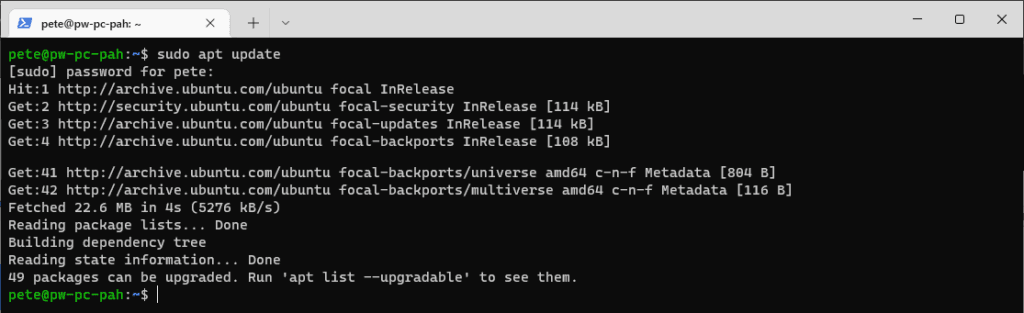
First, lets update our local packages by running the following apt command –
# update local packages
sudo apt update
Install PostgreSQL
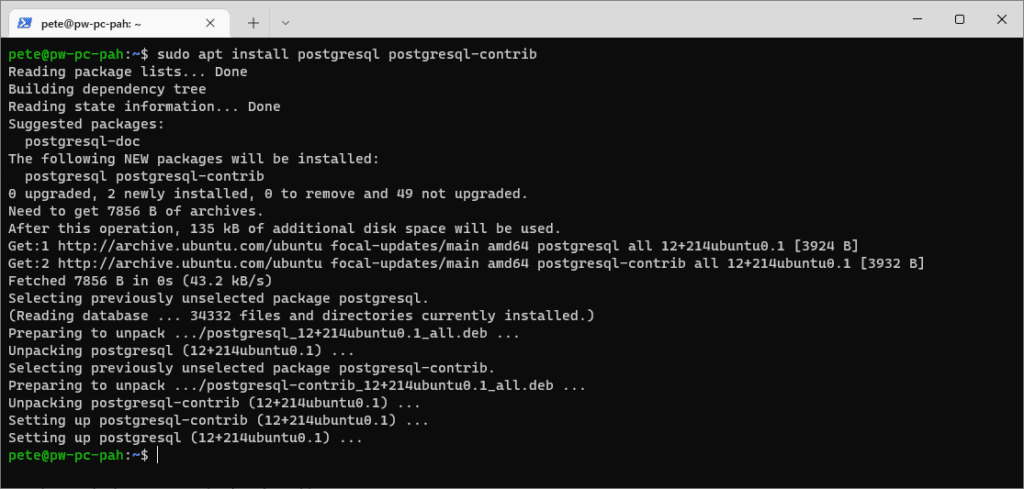
This Postgres installation is very quick and simple.
The following command is also including the ‘-contrib‘ package which gives us extra functionalities.
# install postgres on ubuntu
sudo apt install postgresql postgresql-contrib
Log In to psql
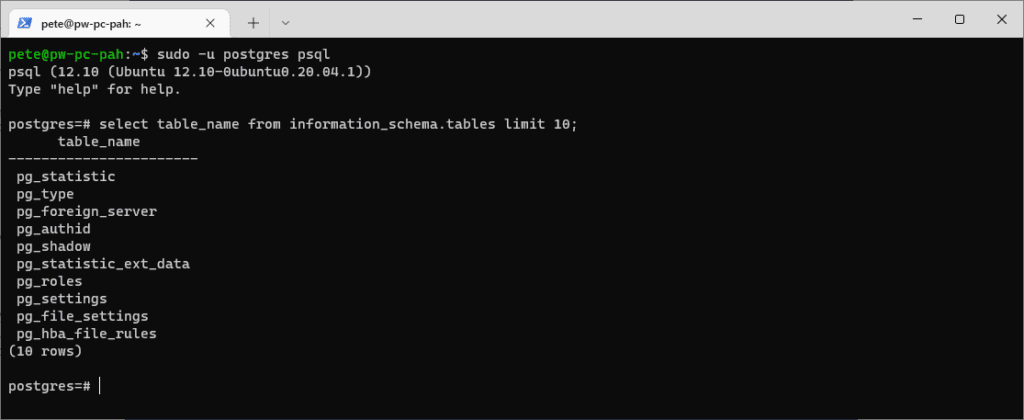
Once the installation completes, we can enter psql using the postgres user created automatically during the install.
# login to psql with the out of box postgres user
sudo -u postgres psql

\q (to quit back to terminal)
Restart the Service
There may be a need to restart the services post install which can be done by running the following.
# restart postgres service ubuntu
sudo service postgresql restart

Related
- How to Install & Configure AWS CLI on Ubuntu
- How to Install PowerShell on Ubuntu 20.04
- How to Install Ubuntu 20.04 on WSL
If SQL Server is part of your day job, my current work lives over at sqldba.blog: production DBA scripts, an error library and the SSMS guide.
Leave a Reply